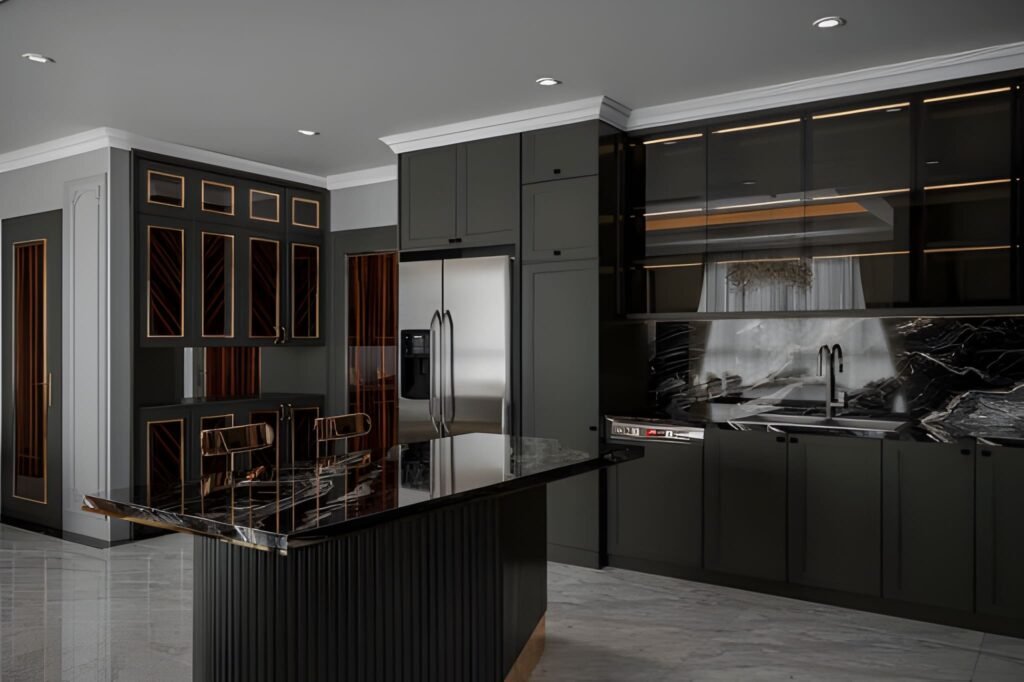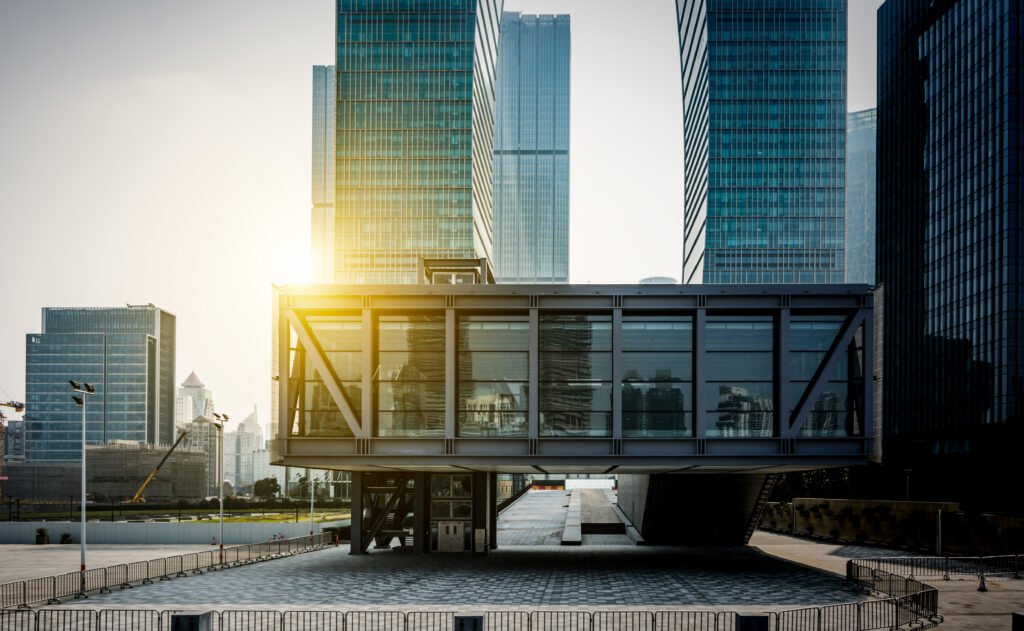
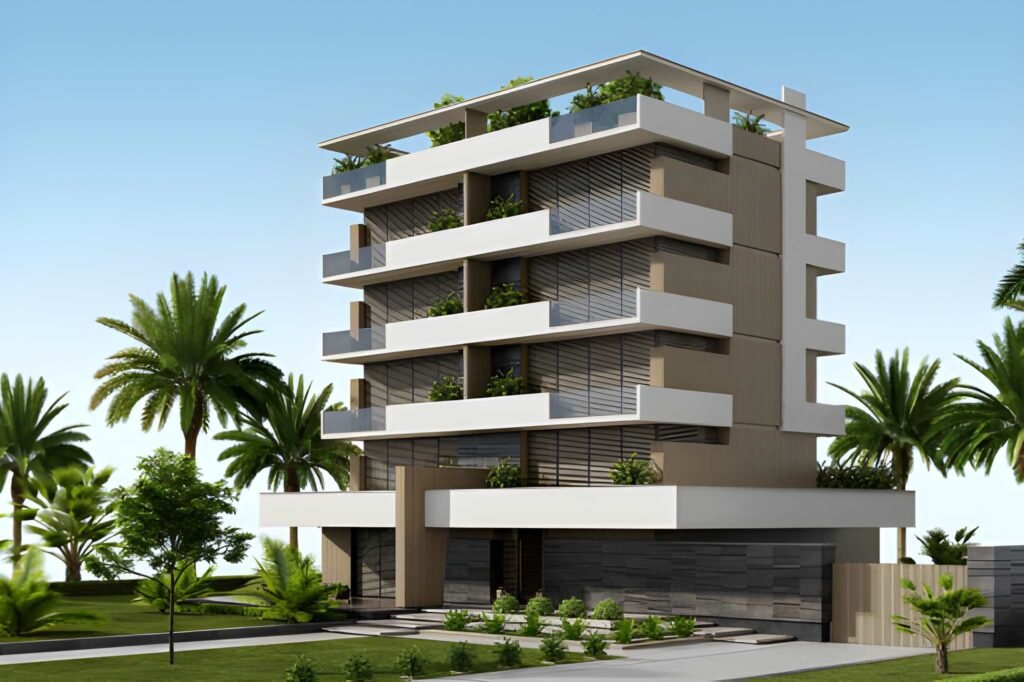
If your interior render looks “almost there” but still feels like CGI, the problem is rarely the camera angle or the furniture. It’s usually the surface work. Realism lives in the small decisions: how wood grain repeats, how stone catches highlights, how paint scatters light, and how tile edges create micro-shadows. When those details are missing, the scene feels flat—even if your lighting is decent.
That’s why materials textures interior 3D rendering is one of the most important skills in visualization. The right materials make your interior spaces look believable, high-end, and ready to present. The wrong textures make even a good design look cheap or unfinished.
In this guide, we’ll break down the materials and texture choices that consistently improve realism, explain why PBR materials matter, show how to avoid common mistakes like tiling and scale issues, and share practical rendering techniques to make professional interior visuals look real.
Why materials and textures decide realism faster than anything else
Lighting is crucial, but lighting can only reveal what’s already there. If your walls have no subtle variation, the light has nothing to “play with.” If your wood floors are too perfect, your space feels artificial. Real interiors have imperfections: slight roughness changes, micro bumps, tiny scratches, small inconsistencies in color. Those imperfections are not flaws—they are realism.
Great materials do three things:
They respond to interior lighting correctly
Real surfaces reflect light in complex ways. Good materials mimic that complexity.They communicate quality instantly
A premium interior is often read through textures: timber grain, stone pattern depth, fabric weave, brushed metal.They add scale cues
If a tile texture is the wrong size, the entire room feels “off.” Correct scale makes the viewer believe the space.
What a “material” actually is in interior rendering
In rendering, a material is not just a color. It is a system of properties that tells the renderer how a surface behaves under light. That includes:
Base color (albedo/diffuse)
Roughness (how glossy or matte it is)
Specular/reflectivity (how much light it reflects)
Normal or bump detail (micro texture depth)
Displacement (real geometry depth for strong surface relief)
Sometimes translucency, subsurface scattering, or sheen
When you hear “PBR materials,” it means physically based rendering materials—materials built on realistic rules of light interaction. PBR is one of the biggest reasons modern 3D interior rendering can look photographic.
PBR materials and why they make interiors look professional
If you want realism, learn to use pbr materials and pbr textures correctly.
PBR materials help because:
They follow consistent physical logic
Roughness values behave naturally across different light setups
Reflections look believable instead of “plastic”
Materials respond better to global illumination and interior lighting
A common beginner issue is using a single image texture as “the material.” That approach ignores roughness, normal depth, and real reflectivity—so the surface looks flat. PBR fixes this by making a surface behave like real wood, real stone, or real tile.
The three texture mistakes that instantly scream CGI
1) Wrong scale
This is the #1 realism killer. If wood grain looks too large, the floor feels like a dollhouse. If brick is too small, your wall feels like a miniature prop. Always match textures to real-world scale.
Quick tip: place a known object (like a chair or door) and compare your texture scale to real reference photos.
2) Visible tiling and repetition
A repeating texture pattern looks synthetic. Real materials have variation.
To fix tiling:
Use higher-resolution textures
Rotate UVs strategically
Add subtle variation layers (color noise, roughness noise)
Use “textures seamless” sources when possible
3) Overly clean surfaces
Perfect surfaces do not exist in real homes. Even a luxury interior has micro marks: subtle roughness changes, tiny scratches, slight dusting, soft edge wear.
This is where “imperfection maps” help. They make the surface feel lived-in without making it messy.
Rendering textures: what you actually need for realism
For most surfaces, realism comes from using multiple maps, not just one.
A good texture set often includes:
Albedo (color)
Roughness (gloss control)
Normal (micro surface detail)
AO (ambient occlusion, subtle shadow depth)
Optional displacement for stone, brick, heavy grout lines
This is why “rendering textures” are often sold in packs: the maps work together to simulate real material behavior.
Wood: the easiest place to win realism
Wood is everywhere in interior spaces: floors, cabinets, wall panels, furniture. And it’s also one of the easiest materials to get wrong.
To make wood realistic:
Use correct grain scale
Avoid overly saturated orange tones
Add subtle roughness variation (wood is never uniformly glossy)
Use a normal map for grain depth
Ensure plank seams and direction make sense
For flooring, realism improves dramatically when you include:
Slight plank tone variation
Micro scratches in roughness
Subtle bevel edges (even minimal)
A floor that is too perfect looks like a screenshot, not a real room.
Stone: make it feel heavy, not flat
Stone often fails because it’s treated like painted wallpaper. Real stone has depth, micro variation, and complex reflectivity.
To make stone believable:
Use displacement where possible (especially for strong veins or rough stone)
Use correct roughness (polished stone reflects sharply; honed stone reflects softly)
Add subtle color variation layers
Match the pattern scale to real slabs
Even “smooth” stone surfaces are not perfectly uniform. Small imperfections make a huge difference.
Tile texture and grout: the secret to realistic bathrooms and kitchens
Bathrooms and kitchens are where clients judge detail.
A tile surface becomes real when:
The tile texture has correct scale
Grout lines exist and create micro shadow depth
Gloss levels match the tile type (matte, satin, glossy)
Edge bevels are visible (even slightly)
If your tiles look like a single flat image, you need more than just color. A normal map and subtle displacement for grout lines instantly upgrades realism.
Also: don’t forget reflections. Tile realism is largely reflection realism.
Wall texture: realism is subtle, not loud
Walls are often ignored, but walls are what light bounces off. That means wall texture directly influences the mood of interior lighting.
For walls:
Avoid perfectly flat paint unless you want a showroom look
Add subtle noise in roughness or normal (very subtle)
Use realistic paint reflection (paint is not mirror-gloss)
For feature walls:
Use correct scale patterns (cladding, brick, panels)
Keep repetition low
Add small edge shadows for depth
A good wall texture often looks “boring” up close—but it makes the room feel real overall.
Brick and cladding: use depth or it won’t work
Brick and cladding materials are designed to cast micro shadows. If you ignore depth, they look fake.
For brick:
Use displacement or at least strong normal maps
Randomize tone slightly between bricks
Keep grout and mortar believable
Ensure brick size matches reality
For cladding:
Add realistic seams and edge bevels
Control highlight behavior through roughness
Avoid identical repetition along large walls
A convincing cladding surface can upgrade the perceived quality of an entire interior.
Seamless textures: when “perfect” is actually the problem
Yes, you want seamless textures. But seamless doesn’t mean “lifeless.” Many free textures are seamless but too uniform. That creates the “CGI flatness” problem.
A good workflow:
Start with a seamless base
Add controlled variation (tone, roughness, micro dirt)
Use different maps for different levels of detail
Keep it subtle so it doesn’t look “procedural”
This is the difference between just using a texture and actually using materials to manipulate material appearances.
Free textures vs paid textures: what matters most
People search for free textures constantly, and some of them are usable. But quality differences matter:
Good textures usually have:
High resolution
Clean PBR map sets
Realistic roughness and normal depth
Minimal artifacts
Correct scale references
Many free textures are “texture free” in the sense that they lack the full PBR set, which forces you to guess roughness and depth—and that guessing often causes fake-looking results.
If you are building professional interior work or client-facing marketing renders, investing in reliable PBR texture libraries is often worth it.
How interior lighting interacts with materials
Materials don’t exist in isolation. Their realism depends on interior lighting.
Two common problems:
1) Over-bright lighting flattens textures
If your lights are too strong, walls and floors lose contrast and everything looks washed out. Lower exposure or rebalance lights to allow textures to show.
2) Wrong roughness values break realism under light
A surface can look fine in one light setup and terrible in another if roughness is wrong. For example:
Too glossy wood looks like plastic
Too matte stone looks like chalk
Glass with incorrect roughness looks like cheap acrylic
If your render looks “off,” check roughness before you blame the lighting.
A practical checklist for realistic interior materials
Before finalising any interior rendering, run this checklist:
Scale check
Compare tile, wood grain, brick, and cladding scale with real references.Tiling check
Look for repeating patterns on large surfaces (floors, walls).Roughness check
Are materials glossy where they should be? Matte where they should be?Depth check
Do surfaces have normal/displacement depth where needed?Variation check
Are surfaces too uniform? Add subtle variation, not random noise.Lighting interaction check
Does interior lighting reveal textures naturally without overexposing them?Close-up check
Zoom in: do materials still look believable, or do they look like stretched images?
This simple process prevents the majority of “CGI-looking” mistakes.
Professional rendering techniques to push realism
If you want to go beyond basics, these rendering techniques help:
Layering: mix base materials with subtle procedural variation maps
Imperfection maps: add micro dust, fingerprints, or roughness breakup
Edge wear: slight bevels and wear create realism at corners and seams
Micro displacement: for grout, rough stone, fabric weave
Material referencing: always match real references rather than guessing
Even small upgrades in these areas make a scene look more like a professional rendering.
Why “less texture” can sometimes look more real
It sounds strange, but realism is not always about adding more detail. It’s about adding the right detail.
Over-texturing creates visual noise. A professional interior typically has:
One or two hero materials that stand out
Supporting materials that are calm and clean
Texture detail that is visible but not distracting
If every surface is screaming, the room feels unrealistic. Real spaces have hierarchy.
Final thoughts: realistic interiors are built on believable surfaces
If you want your interiors to look real, treat materials as a primary design layer, not a finishing step.
The best interior rendering is not the one with the most objects—it’s the one where surfaces behave like real surfaces. When your materials and textures are correct, your lighting looks better, your shadows feel softer, and your overall space feels believable.
So if you want to upgrade realism quickly:
Fix scale
Use PBR materials
Break repetition
Control roughness
Add subtle imperfections
Those small decisions are what separate an average render from a truly professional interior rendering that clients trust.
If you would like materials and lighting handled for you, see our 3D interior rendering service and 3D rendering for interior designers.