Introduction
You may hesitate when you first hear about investing in 3D rendering services and cinematic architectural animations, wondering if advanced animation techniques and real-time rendering are truly more than just flashy extras.
You’ve already commissioned basic walkthrough animations or static renders and found the results underwhelming, leaving you to question whether deeper architectural visualization can really move the needle.
At ArchiRender3D, we’ve guided designers, developers, and marketers through the same uncertainty.
On one urban mixed-use project, our team replaced dozens of static images with a concise 45-second fly-through that highlighted massing, context, and materials in motion—accelerating stakeholder buy-in by two weeks.
On another high-end residential master plan, we used real-time rendering to tweak lighting and finishes live during client workshops, ensuring every detail resonated before committing to final frames.
In this Ultimate Guide to 3D Architectural Animation, we’ll peel back the curtain on the strategies that make these animations effective.
You’ll discover how to choose the right 3D rendering services, script compelling narratives using proven animation techniques, and know when to leverage real-time rendering versus high-fidelity offline pipelines.
We’ll also explore how polished architectural walkthrough animations and integrated architectural visualization workflows can turn your proposals into immersive experiences that win more clients, speed approvals, and elevate your brand.
By the end of this guide, you’ll feel confident about deploying motion as a strategic tool—knowing exactly when and how to transform static designs into stories that stakeholders not only see, but truly feel.
Need an animation for your project?
This page explains what architectural animation is and when it makes sense. If you already know you want one, our team can produce a walkthrough or flythrough from your drawings or model and quote a fixed price within one business day.
What Is 3D Architectural Animation?
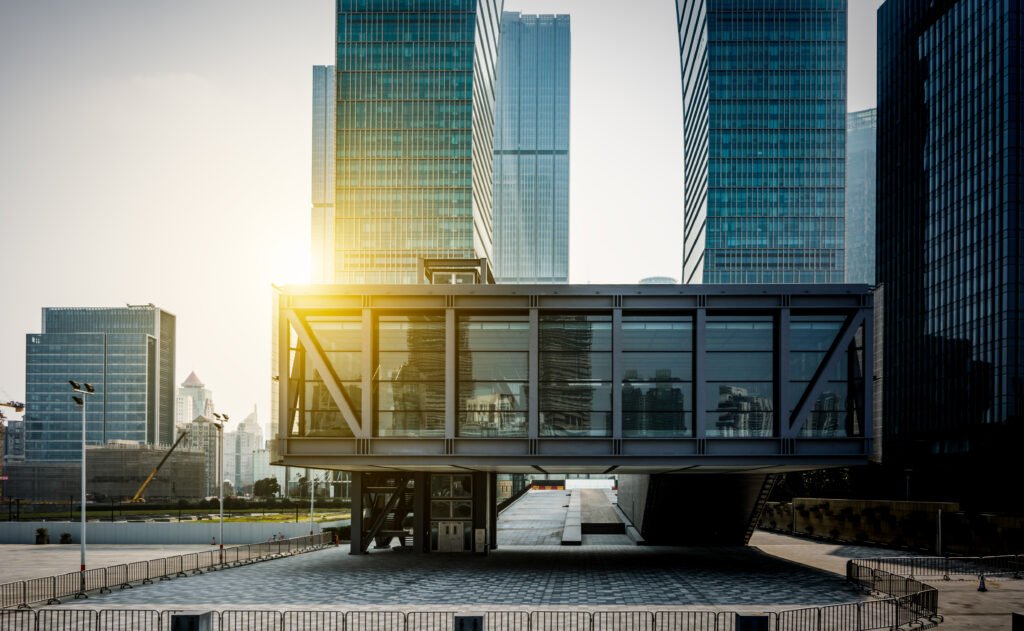
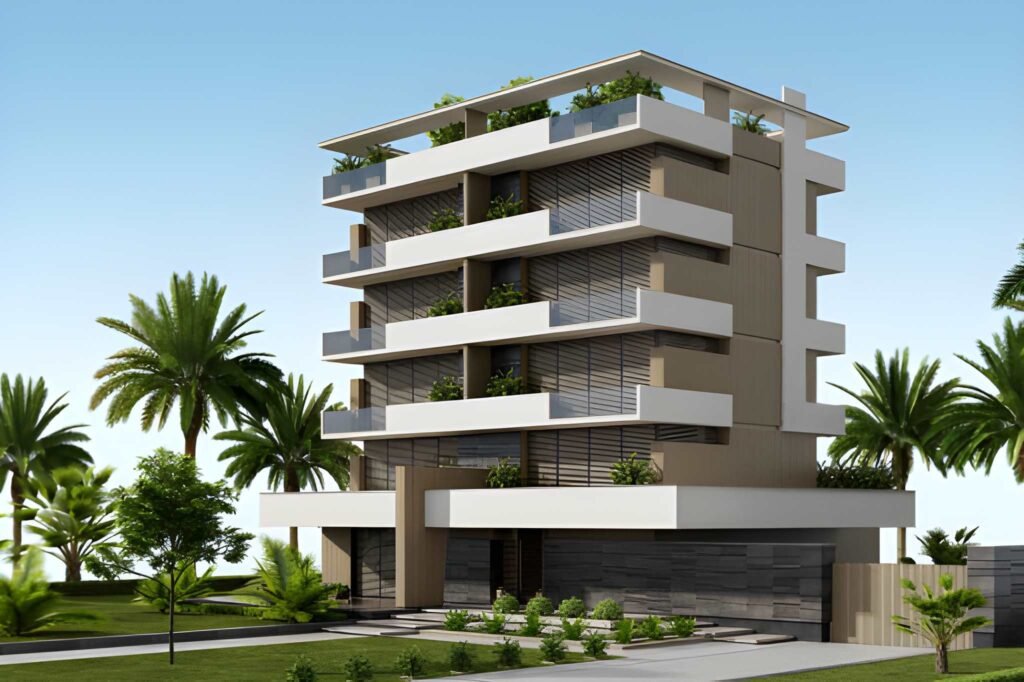
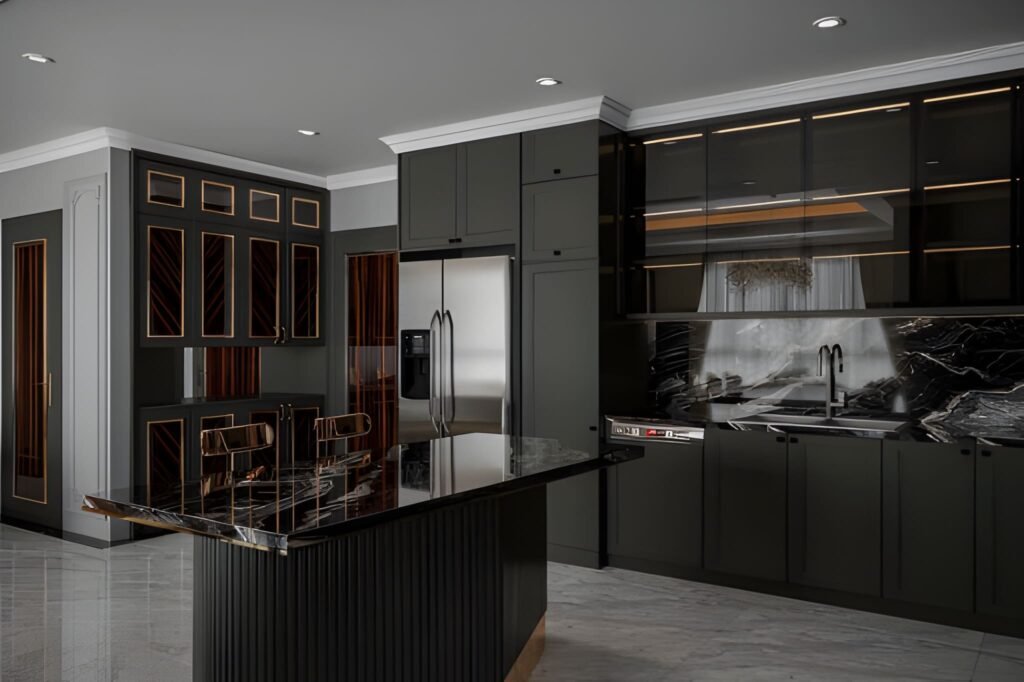
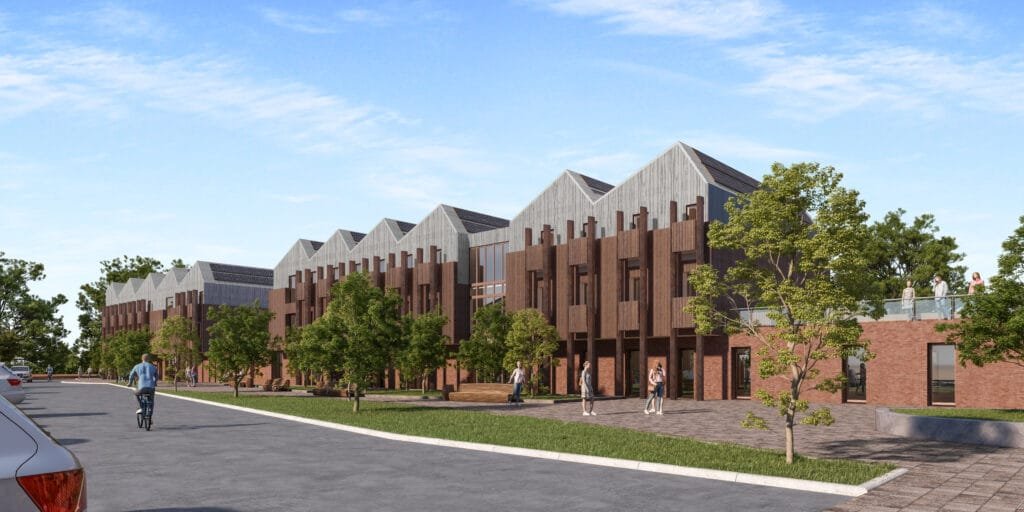
3D Architectural Animation transforms digital building models into moving sequences that illustrate design intent. Instead of a single static view, you guide viewers through spaces, materials, lighting, and context in motion.
An animation can range from a simple fly-through of a lobby to a fully narrated journey through a master plan.
These sequences combine geometry, textures, lighting rigs, and camera paths to craft immersive visual stories.
Why 3D Architectural Animation Matters
Probably you worry that clients won’t sit through a minute-long video. In reality, well-crafted animations capture attention and build emotional connections in ways still images cannot.
When clients see a sunlit atrium come alive, they grasp spatial relationships and material choices instantly.
Animation also accelerates decision making. Stakeholders move beyond abstract plans and quickly agree on layouts, palettes, and finishes. That clarity can shave weeks off approval cycles.
Key Use Cases for 3D Architectural Animation
| Use Case | Description |
|---|---|
| Client Presentations | Showcase design vision in a dynamic, engaging format to diverse stakeholders |
| Marketing and Sales | Embed animations in websites, social media, and email campaigns to generate buzz and drive inquiries |
| Investor Pitches | Guide potential investors through a project’s narrative, highlighting ROI drivers and unique features |
| Public Consultations | Present master plans, zoning changes, or community designs in an approachable, easy to understand way |
| Design Validation | Test circulation paths, lighting strategies, and volumetric relationships internally before construction |
Client Presentations
When you guide clients through a cinematic fly-through, they grasp spatial relationships and materiality almost immediately. A short animation of a lobby or atrium often shortens the review conversation because everyone is looking at the same thing.
Marketing and Sales
Embedding a short exterior and interior animation on a developer’s website gives visitors a reason to stay on the page and to reach out.
Investor Pitches
A narrative animation for a mixed-use scheme can weave foot-traffic patterns and rental yield projections into a clear story. Investors signed term sheets within a week after viewing the animation, accelerating funding rounds.
Public Consultations
An animation toggling between existing shoreline, future sea-level projections, and proposed green infrastructure turned skeptical residents into engaged advocates. The project earned permitting three months ahead of schedule.
Design Validation
An exploded-view animation for a multi-tower development revealed a clash between ductwork and ceiling beams before construction began. That early discovery saved $75,000 in change-order costs and kept the schedule on track.
How Animation Supports Sales and Investment Decisions
Beyond design review, animation earns its keep when money is on the line. For a developer, a walkthrough lets buyers and investors see finishes, flow, and daylight in a way a plan cannot, which tends to shorten the path from interest to commitment.
For a lender or investment partner, a clear animated narrative of how the project will look and operate makes it easier to understand what is being funded. In marketing, the same footage can be cut into short clips for listings, social posts, and presentations, so one production serves many uses.
Keep claims honest: an animation should show the project as designed, not an inflated version of it. If you are weighing animation against stills for a sales launch, our page on 3D rendering for real estate developers explains how the two fit together.
Types of 3D Architectural Animations
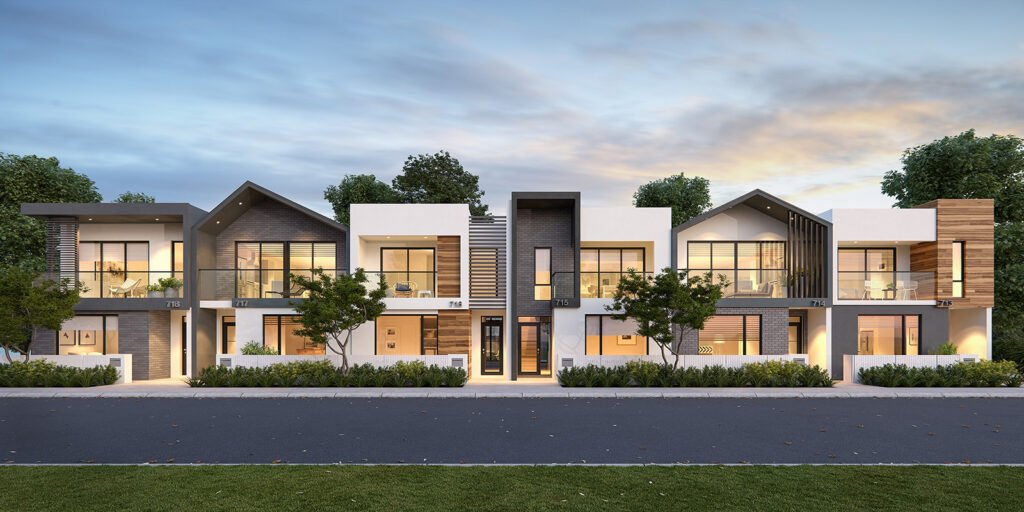
| Animation Type | Description | Typical Duration |
|---|---|---|
| Fly-Through | Smooth camera path through interior or exterior spaces | 30–60 seconds |
| Fly-Around | Exterior orbit of a building to showcase form and context | 20–40 seconds |
| Walk-Through | First-person perspective simulating a visitor’s path | 60–90 seconds |
| Exploded View | Animated separation of building components for technical clarity | 15–30 seconds |
| Sequence-Based Narrative | Story-driven video with annotation, voice-over, and graphics | 90–180 seconds |
Fly-Through Animations
A fly-through is a smooth, guided camera path that carries viewers through interior or exterior zones. You might worry that static renderings already capture your design’s highlights, but a fly-through turns passive observation into immersive exploration.
Typical scenario: A fly-through of a corporate lobby can begin at the entrance plaza, glide under the vaulted ceiling, and pause at key features such as the reception desk and a double-height atrium. Decision makers who hesitate over finish selections often find it easier to commit once they have seen the space in motion.
Fly-Around Animations
When you need to showcase massing, context, and façade articulation, a fly-around delivers a complete exterior overview. You may assume that a static exterior shot tells the story, yet an orbiting camera reveals how the building sits within its environment from every angle.
Typical scenario: When a tower raises community concerns about height and shadow, a short fly-around showing morning, noon, and evening light can show how a stepped form lets sunlight reach the adjacent streets.
Walk-Through Animations
Walk-throughs simulate a first-person journey through a space, giving viewers control over their path. You might hesitate because VR headsets seem complex, but a basic walk-through video delivers similar engagement without specialized hardware.
Typical scenario: A walk-through of a hotel renovation can travel from the street-level café into guest corridors, lounges, and the rooftop terrace, helping the design team settle furniture layouts and lighting schemes in a single review meeting.
Exploded-View Animations
Exploded-view animations separate and float building components, such as walls, floors, structure, and MEP systems, to provide technical clarity. You may think clients do not need this level of detail, but exploded views bridge the gap between design intent and construction reality.
Typical scenario: For a modular housing prototype, an exploded-view sequence can peel back exterior panels and reveal insulation layers and connections, giving site contractors a clear visual reference for installation.
Sequence-Based Narrative Animations
Sequence-based narratives combine multiple animation styles into a cohesive story, often with annotations, voice-over, or on-screen graphics. You might worry this approach demands excessive run time, yet a tightly scripted 90- to 120-second piece can cover concept, circulation, materiality, and context in one compelling package.
Typical scenario: For a waterfront mixed-use master plan, a narrative animation can open with a bird’s-eye fly-around, move into a walk-through of retail streetscapes, and end with an exploded view of stormwater-management features, giving investors a story to follow rather than a stack of drawings.
The Animation Workflow
1. Preproduction and Scripting
You may hesitate to invest time in scripting, yet a clear storyboard sets the stage for a smooth animation process. In this phase, you define the narrative, key views, camera moves, timing, and any annotations or voice-over elements.
Workshops with your design team help pinpoint the moments that matter—sunrise lighting, entrance sequences, or material transitions. That clarity prevents wasted effort on unused scenes.
2. Asset Preparation
Next, you prepare 3D geometry, textures, and reference materials. At ArchiRender3D, we optimize polygon counts, set up PBR materials, and import and align CAD or BIM files to ensure dimension accuracy.
This stage also includes creating environment assets such as vegetation, entourage (people and vehicles), and background context. Proper asset management speeds rendering and ensures visual consistency.
3. Animation and Rendering
With assets ready and cameras scripted, the animation phase brings everything to life. You set keyframes for camera paths, lighting transitions, and material changes. Then you launch render jobs—often on render farms—to generate frame sequences.
High-resolution outputs and multi-channel passes (beauty, shadows, reflections) allow for flexible post production. At ArchiRender3D, we use cloud-based render services to meet tight deadlines without sacrificing quality.
Technical Considerations
Software Selection
Industry favorites include 3ds Max with V-Ray or Corona, Blender with Cycles, and Unreal Engine for real-time animations.Hardware Requirements
High-end GPUs, ample RAM, and fast storage are essential. Render farms or cloud GPU services can offload heavy workloads.File Formats and Codecs
Export animations as MP4 or WebM for web delivery. Preserve masters in image sequences (PNG, EXR) for archival and post-production flexibility.Frame Rate and Resolution
Standard rates are 24 or 30 fps. For high-end presentations, consider 4K resolution; for web, 1080p often suffices and loads faster.
Pricing Models and Budgeting
Budgeting for 3D Architectural Animation depends on duration, complexity, resolution, and revisions. Common pricing structures include:
Per-Second Rates
Typically $100–$300 per second for mid-range complexity.Package Deals
Bundles of 30 to 60 seconds that include a fixed number of revisions.Day Rate
For open-ended scopes, studio day rates ($800–$1,500 per day) cover asset prep, animation, and render management.Render Farm Fees
Separate line item for GPU time; can be optimized by distributing tasks across cloud or local farms.
Always clarify what is included—voice-over, sound design, color grading, and final encoding—to avoid hidden costs.
Integrating Animation into Your Marketing Strategy
You might wonder how to leverage animations beyond client pitches. Here are practical tactics:
Website Hero Section
Embed a short, muted loop on your homepage to convey design sophistication.Social Media Teasers
Post 15-second snippets on platforms like Instagram and LinkedIn to drive traffic back to full videos.Email Campaigns
Use animated GIFs or MP4s to increase open and click rates; include a call to action linking to your portfolio.Virtual Trade Shows
Play full animations on large screens to capture attention and illustrate your capabilities.Proposals and PDFs
Embed video links or QR codes in your RFP responses to make them stand out.
Common Pitfalls and How to Avoid Them

Overlong Animations
Videos longer than 90 seconds risk losing viewer interest. Focus on hero views and keep sequences concise.Unfocused Storytelling
Too many camera moves or unclear narrative beats confuse rather than clarify. Stick to your script and storyboard.Insufficient Lighting Tests
Relying on default settings can result in flat, unrealistic scenes. Perform lighting tests across key times of day.Ignoring Audio Design
Silence or generic music can weaken impact. Even minimal sound effects and music underscore make animations more memorable.
Future Trends in 3D Architectural Animation
Real-Time Ray Tracing
Enabling near-instant photoreal feedback during design sessions.AI-Assisted Animation
Auto-generating camera paths, crowd simulations, and procedural environments.Interactive VR Experiences
Allowing viewers to control movement within the scene using VR headsets.Procedural City and Landscape Generation
Using GIS and AI to populate large-scale master plans automatically.
Staying ahead of these trends ensures your animations remain cutting edge and cost effective.
Conclusion and Next Steps
You may still wonder how to tie together every element of the animation pipeline from modeling and texturing to lighting, rendering, and post production so that your walkthrough video feels seamless and impactful.
The truth is that success starts with choosing the right animation software and CGI tools tailored to your project and team. Whether you opt for a real-time engine for rapid iteration or a high-fidelity offline renderer for cinematic quality, your technology choices must support your architectural vision rather than constrain it.
At ArchiRender3D we blend industry-leading software, custom scripts, and proven CGI workflows to deliver animations that resonate with clients, investors, and city officials.
We begin by defining your narrative, then map out each shot in the pipeline—blocking camera paths, refining materials, and integrating environment assets.
That disciplined approach ensures every frame tells a coherent story about form, light, and function in your architecture.
As you move forward, start small with a pilot walkthrough video that highlights your project’s signature spaces. Leverage interactive reviews to gather feedback and refine camera moves before committing to full‐scale renders.
Experiment with different tools—real-time versus offline CGI, practical plugins, and post-production suites to discover the sweet spot where efficiency meets visual fidelity.
At ArchiRender3D, we are ready to partner on your next animation project. Let’s translate your architectural vision into motion and help you win more clients, secure faster approvals, and stand out in an increasingly visual world.
Ready to commission one? See our 3D architectural animation service or request a quote.
FREQUENTLY ASKED QUESTION
What exactly is 3D architectural animation?
It’s a short, computer-generated video that takes viewers on a walkthrough or flythrough of a proposed building or space often before it’s built. It gives motion, context, and narrative to your design, instead of a static image.
How long does it take to produce a typical architectural animation?
That depends on length, complexity, and level of detail. A simple one-minute flythrough might take a few weeks; a more elaborate, fully detailed animation could stretch to two or three months.
Is it better to create an interior walkthrough or an exterior flythrough?
It depends on your goals. If you want to highlight interior design, spatial flow, and how people move through rooms, go with a walkthrough.
Can I use 3D architectural animation in virtual reality (VR)?
Yes, absolutely. You can convert a rendered animation into a 360-degree video for passive VR viewing, or build a real-time interactive model (often in a game engine) for a fully immersive experience.
What software or workflow is typically used for architectural animation?
You’ll likely see a workflow that starts with a 3D model in CAD or BIM software, moves to a rendering engine (like 3ds Max, Unreal Engine, etc.), then uses animation and post-production tools to sequence movement, adjust lighting over time, and polish the video into a final cinematic product.
How does animation help improve client understanding and decision-making?
Animation turns abstract technical drawings into immersive experiences. Clients can visualize how people move through the space, how light changes during the day, and how interior and exterior forms interact.